Home / AI for Makers / 3 ChatGPT Prompts
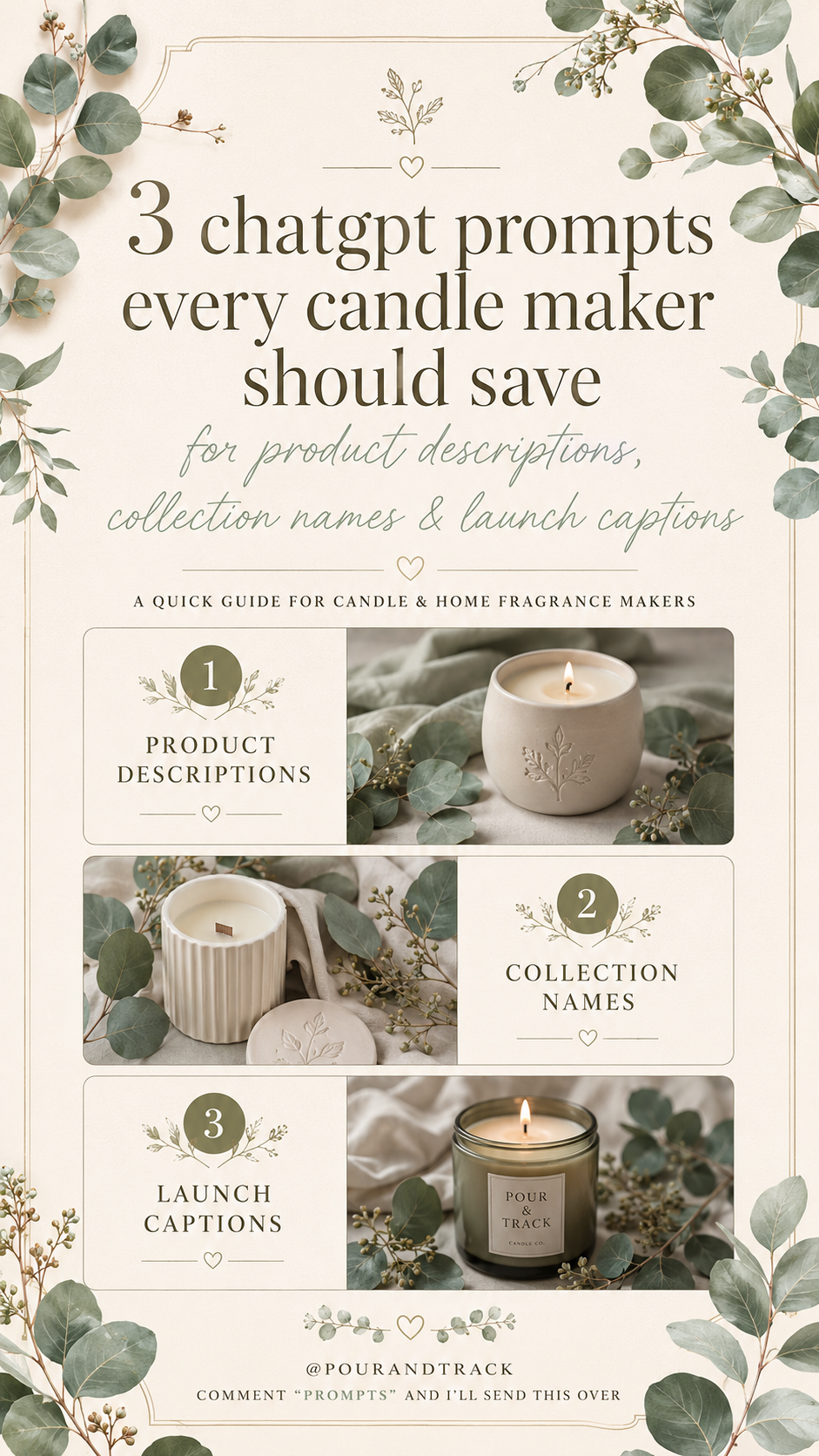
5-page guide · 3 prompts · copy and paste
3 ChatGPT prompts every candle maker should save
For product descriptions, collection names and launch captions.
Writing is usually the part that stalls a launch. The candles are poured, the photos are taken — and then the description, the collection name and the caption all need writing at once. These three prompts are the ones worth saving: short, plain, and written for candle and home fragrance makers. Copy one, swap the bracket for your own detail, and you have a starting point in seconds.
Keep the prompts in a note on your phone so they are ready at your next launch. Always edit what comes back — the prompt gives you a draft, your brand voice makes it yours.
1. Product descriptions
“Write a cosy product description for a (scent) candle.”
How to use it:
- ✓ Swap (scent) for your real fragrance name
- ✓ Add the mood, room, or feeling you want it to create
- ✓ Ask for a shorter version for Etsy, Instagram, or your website
Save this one for your next launch.
2. Collection names
“Give me 10 collection names for (season/theme).”
How to use it:
- ✓ Try autumn, spa, festive, botanical, coastal, or cottage
- ✓ Ask for names that feel cosy, luxury, rustic, or minimal
- ✓ Save your favourites and test which fits your brand best
Perfect for new launches and seasonal edits.
3. Launch captions
“Write 5 Instagram captions for a wax melt launch.”
How to use it:
- ✓ Add your scent name, launch date, and what makes it special
- ✓ Ask for soft, non-salesy captions if that fits your brand
- ✓ Turn the best one into a reel voiceover or email intro
A simple shortcut when you need content quickly.
- ☐ Name your product properly — scent, size, wax or vessel
- ☐ Say who it is for, and the room or moment it suits
- ☐ Give it the tone you want — cosy, luxury, rustic, minimal
- ☐ Ask for a length, so you get something you can actually post
- ☐ Ask for three versions, then pick and edit
Your scent names, fragrance loads, wax types and vessel details are the exact things these prompts need. Pour & Track keeps them in one place, so you can pull the detail straight from your recipe instead of trying to remember it.
Hope you find these helpful for your next candle launch.
DownloadFree · 5-page guide · PDF
Save these three for your next launch.